
Notification
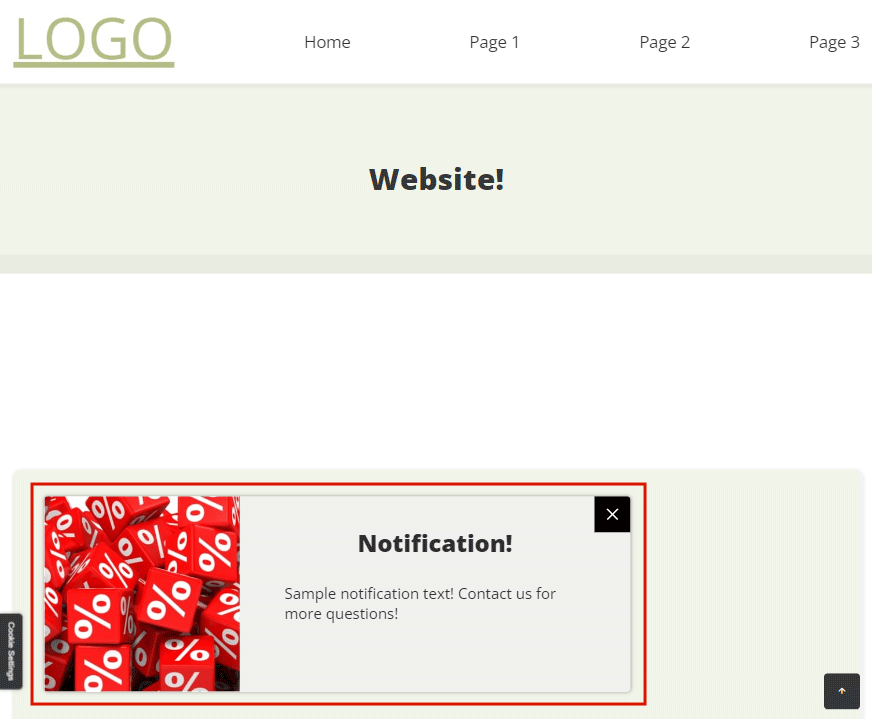
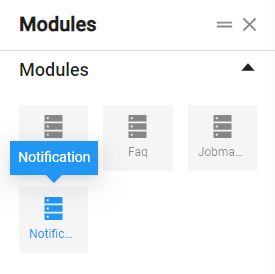
Through the Notification module, to the website can be added an element, which contains text news in a special pop-up window, most often in the lower left corner of the screen.
To use the element, click on it and, holding the left mouse button, drag it to the desired place on the page.
When added to the page, the module looks like this:
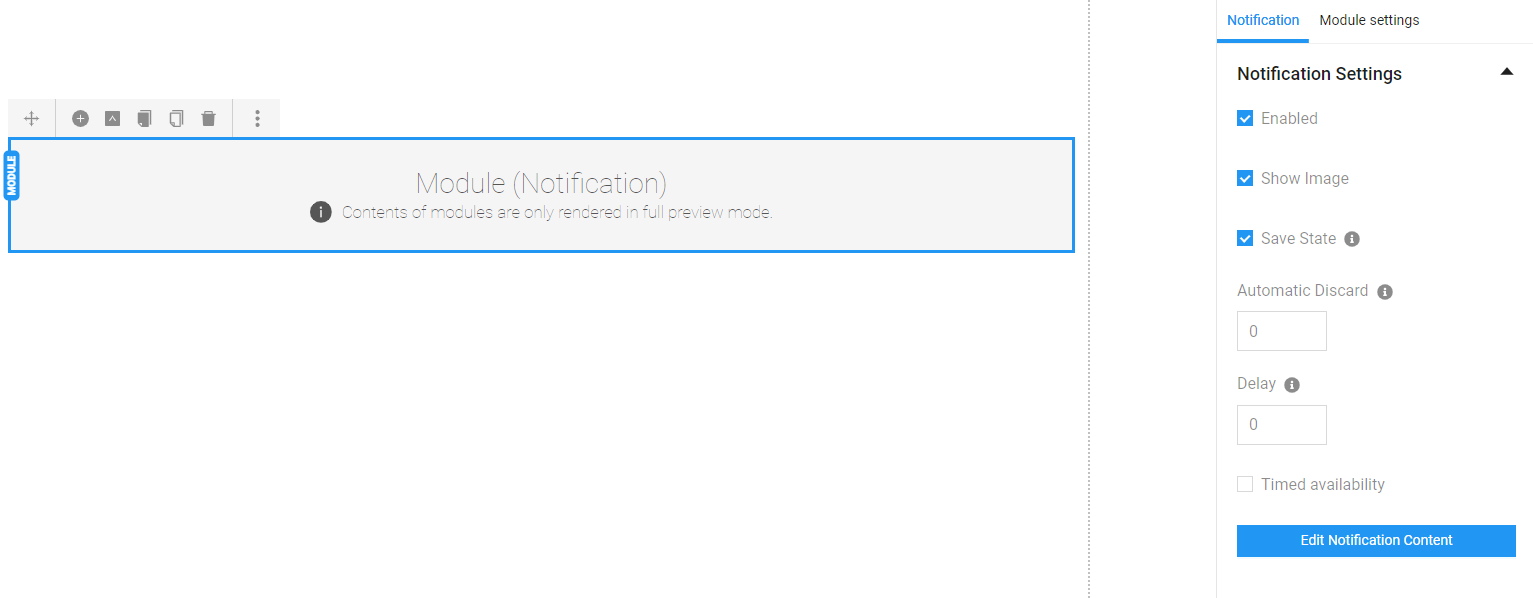
To apply additional settings and to fill in content, double click on the element. The following settings are available from the bar on the right side of the screen:
Enabled – if checked, the module will be shown in the website page. If it is not set, the content will be visible only to the admin panel and will not be displayed on the website page.
Show Image – if checked, the modal window will be populated with an image.
Save State – specifies whether the close state should be preserved when leaving the page, that is, if here is checked, when the user has once closed the modal window, this state will be preserved and on refresh or return to the page, the window will not be shown again.
Automatic Discard – the time in seconds before the notification closes automatically. If the field is set to 0, the notification will be visible permanently (until closed by the close button).
Delay – the time in seconds before the notification is displayed on the page automatically. If the field is set to 0, the notification will be displayed immediately after the page is loaded.
Timed availability – if checked, a calendar opens in which a period of time can be set for the notification to work on the site.
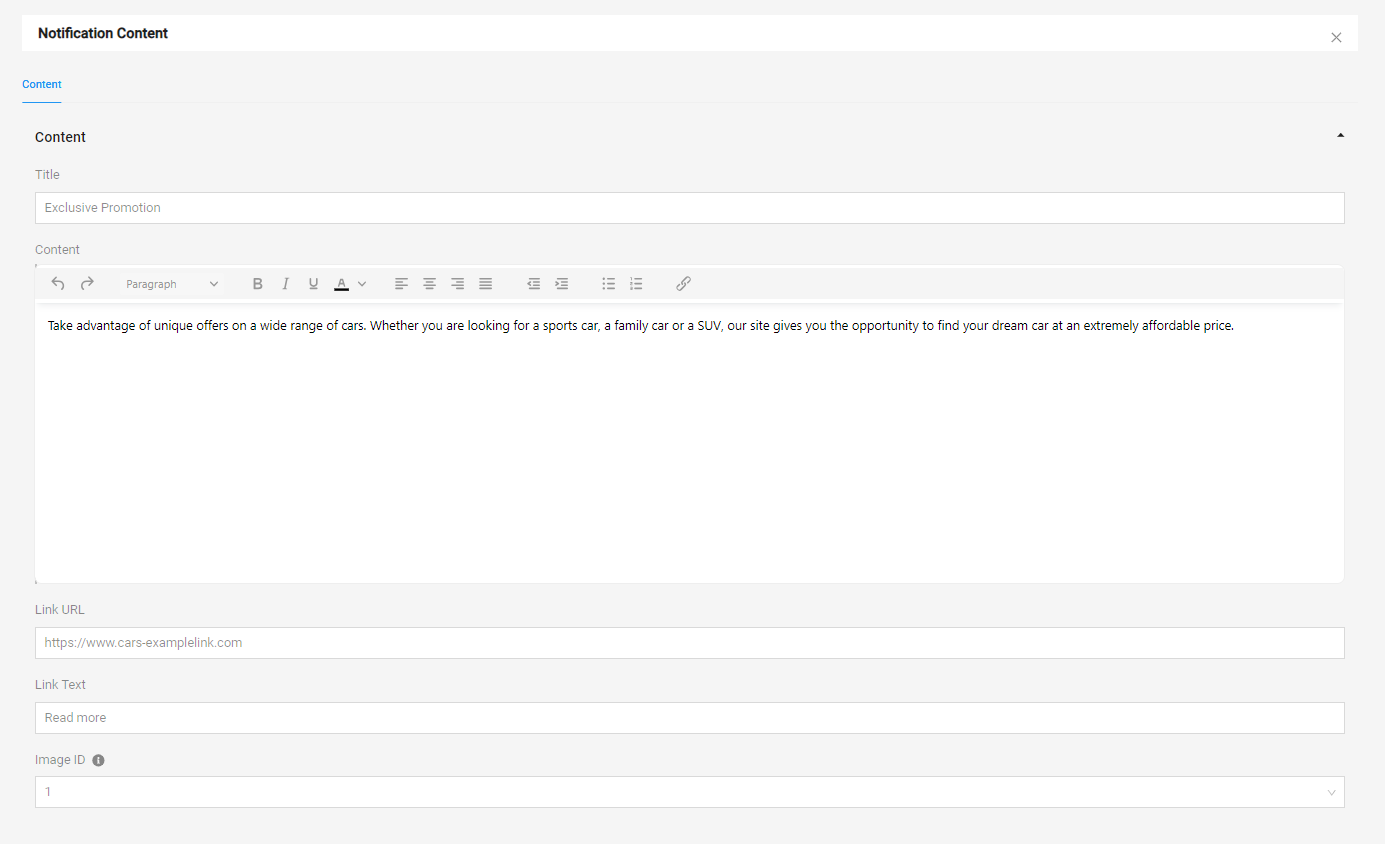
To open the modal window for content filling, it is necessary to click on the "Edit Notification Content" button, then a window opens with the following fields:
Title – title of the notification in the modal window
Content – description of the notification
Link URL – place to put a link for the button in the modal window
Link Text – text of the button in the modal window
Image ID – a number from 1 to 4 that changes the picture in the modal window

After publishing the page on the site, a modal window with the filled-in information is displayed.
