
Job Manager
Jobmanager is a module through which you can publish job vacancies. To add a new job ad, we need to open the page where the module is inserted in "Live Edit" mode.
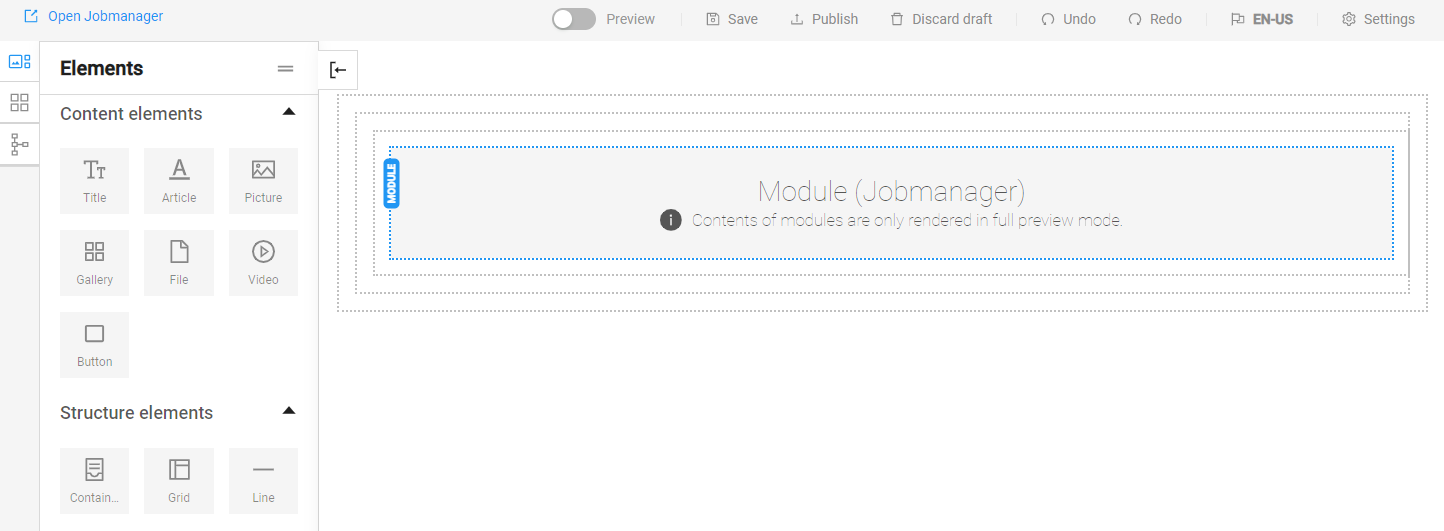
The module's settings are accessed by double-clicking on it.
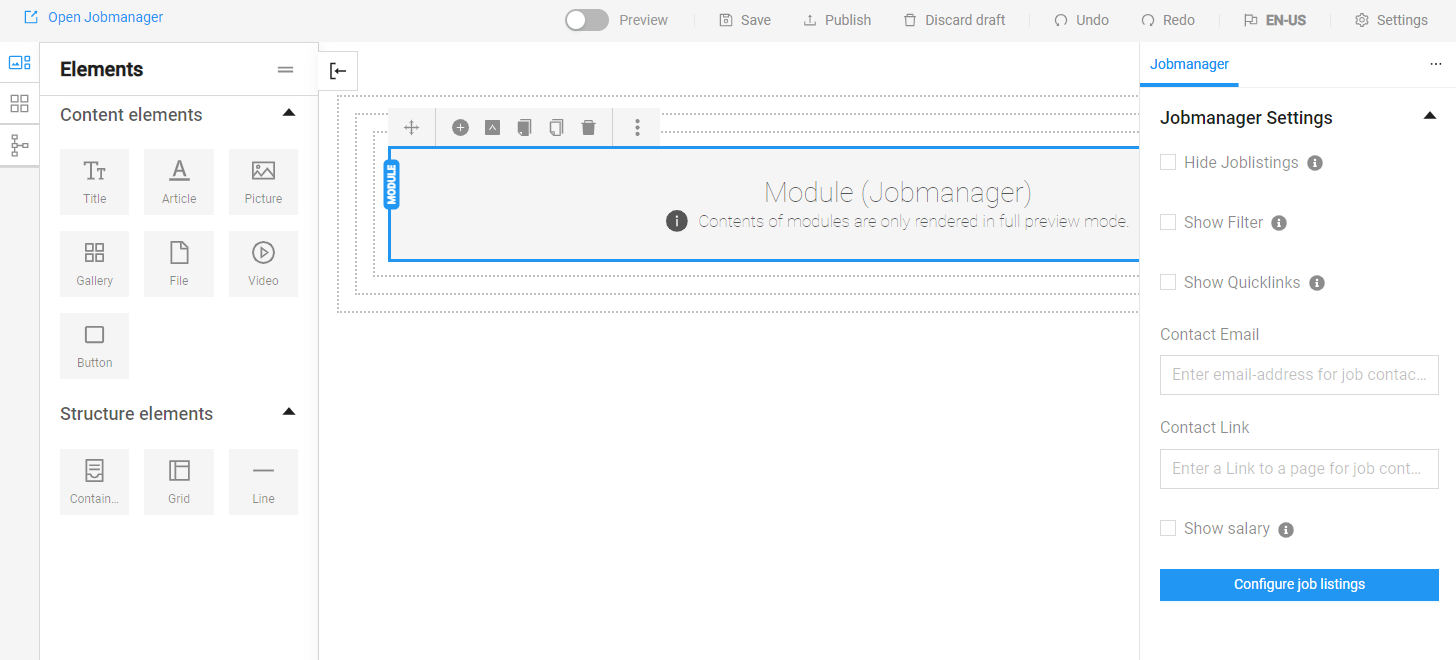
In the right part of the screen we can see some of the module settings. If we want to add a new job position, we click on the "Configure job listings" button.
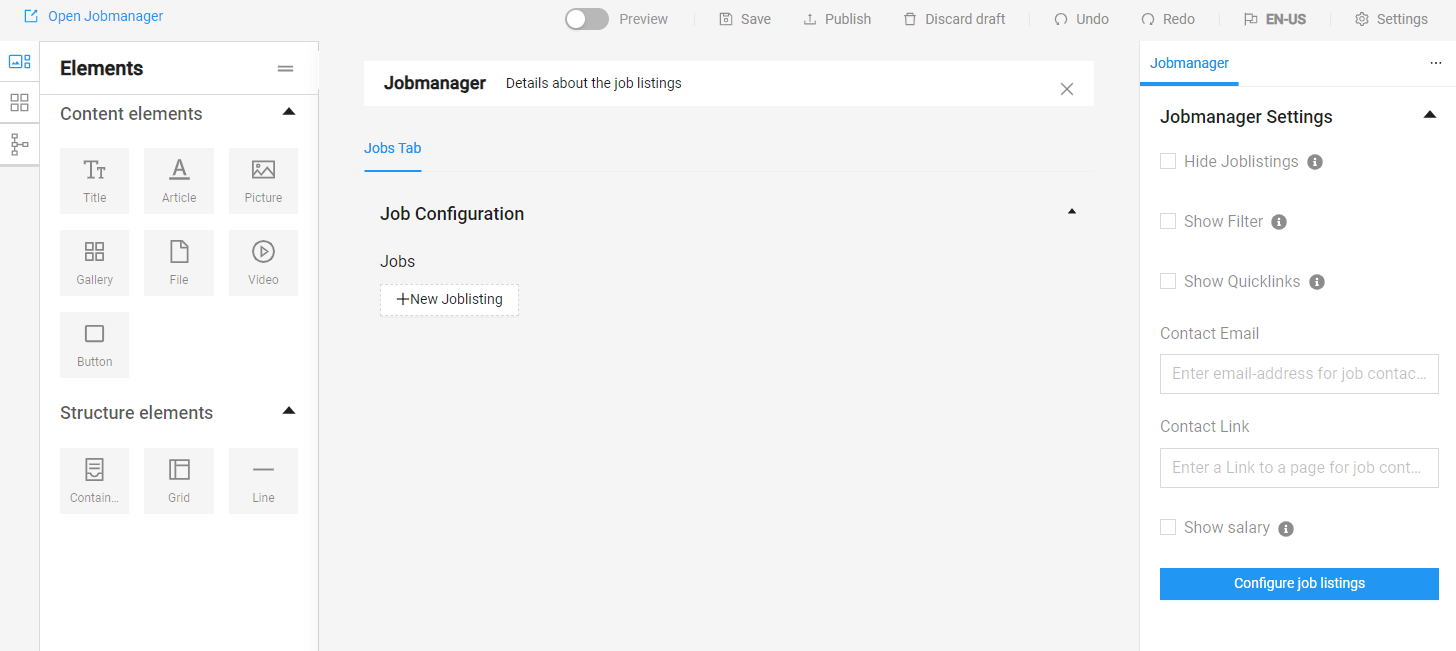
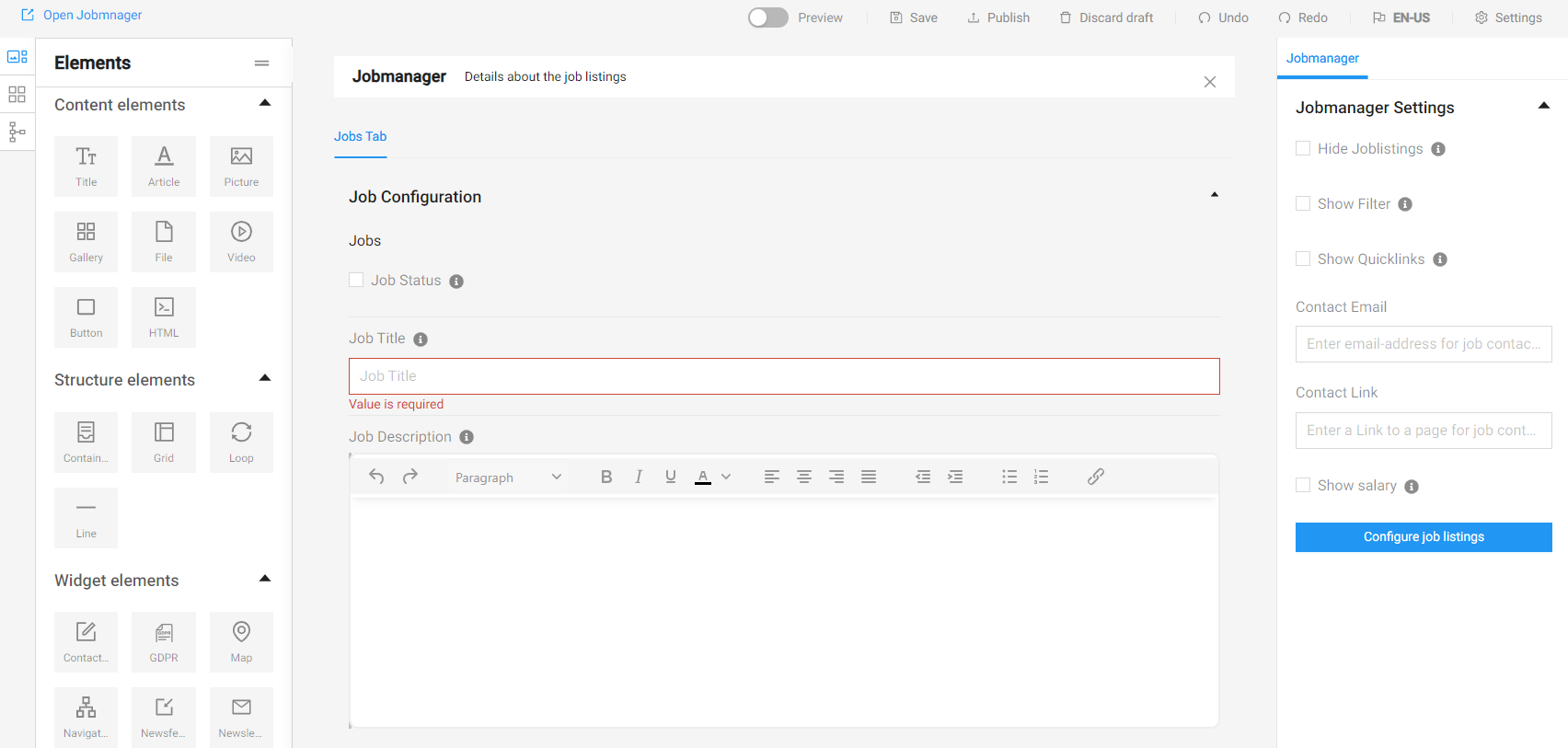
After adding a new vacancy, a window opens with the information about it - position, description, salary and others.

Let's take a look at how job postings look like after filling out the information and publishing it on our website:

Clicking on the "Proceed to the job advertisement" button displays detailed information about the position and how to apply for it.
