Log in to CMS4
To use the content management system, we first need to log in.
This happens after visiting https://cms4.viscomp.bg/ and entering our username and password.

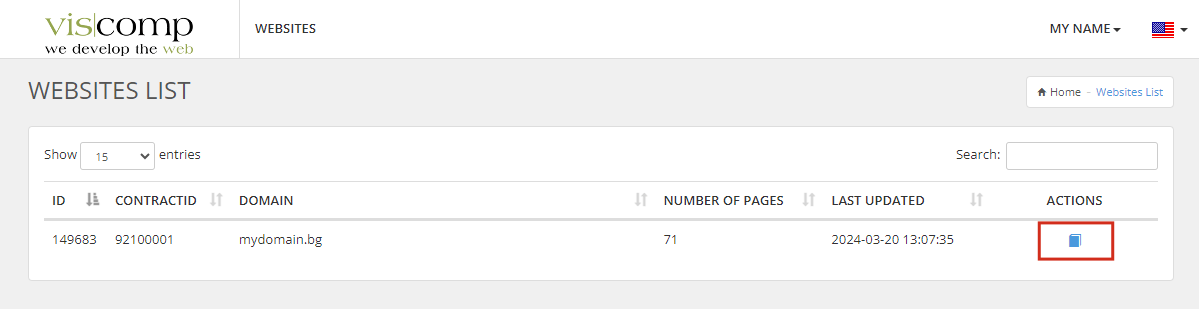
After logging in successfully, we see a list of our websites (or just one if there is only one).
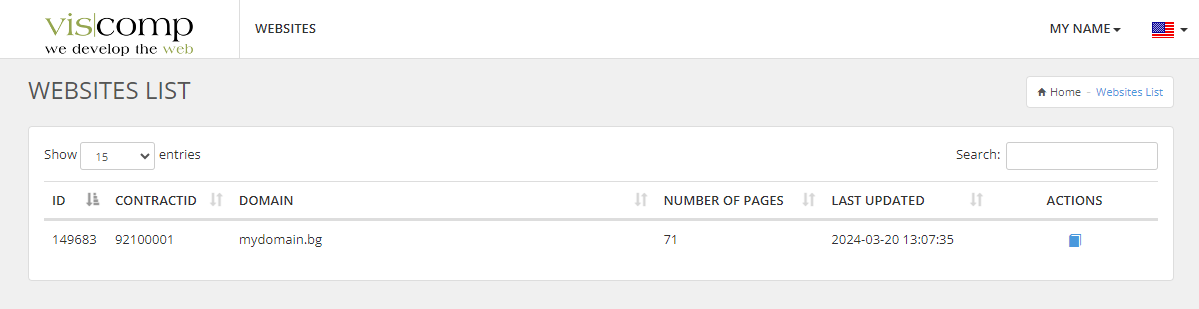
To access the administration of our site, we must click the icon in the Actions column, as shown in the picture: